Exagon Salon
Your salon,
under control.
Software for appointments, payments and inventory. Connect your team’s work and bring AI into your salon.







Everything you expect
from salon software…
Calendar, Checkout and Inventory. Clients, services and your team, with Reports to understand the results.
Appointments, availability and durations. Everyone has their own space.
Demo dataSplit View
Everything
under control.
Appointments and payments in view at the same time.
Open Checkout or a second calendar alongside: you choose what stays in view.
 Demo Salon
 Elena Demo
Scroll the calendar to see the whole team
Appointments and payments. All in view.
Help your client at Checkout while keeping the salon’s day in view.
Real Time
In your calendar, see
what the other reception desks are doing.
Slots your colleagues are occupying are already marked, so you don’t both book the same space.
Demo Salon Scroll the calendar to see the whole team
An assistant. A consultation.
A hand with calls.
Your salon, in your pocket too.
Ask questions, create appointments and prepare content. With your salon data.
Beauty LabShow the haircut before you create it.
Analyse the face, try cuts and colours on your client, and explore the proposal together.
Booking AIYou work. It answers.
Help with forwarded calls: book, reschedule or cancel in the calendar.
Why choose Exagon?
Calendar, Checkout and Inventory are the starting point. The difference shows when your team uses them together.
| If today… | With Exagon |
|---|---|
| Switch from Calendar to Checkout to check a payment. | Split View Open them side by side. Appointments and the bill stay in view. |
| Ask your colleague whether they are already using a slot or a receipt. | Real Time See who is working on it immediately and avoid overlapping your work. |
| Copy your salon’s information into a separate assistant. | EXI Ask it to work with your calendar and salon data. |
Testimonials
The story
from the people using it.
The people at the desk every day explain how they work with Exagon, in their own words.

FrancescoStore ManagerBossanova Hair Studio

PaolaTeam memberContrasto / Aveda Firenze
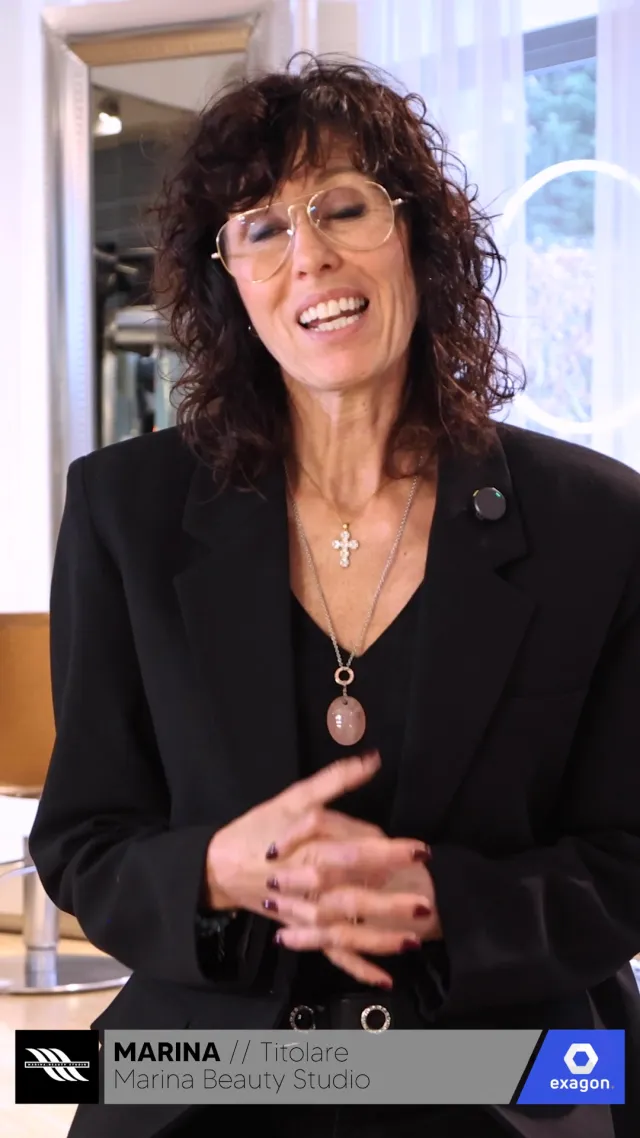
MarinaOwnerMarina Beauty Studio
Before you start.
Answers to the questions salons ask.
Can I try Exagon before deciding?
The trial lasts 30 days and needs no credit card. Explore the software and see how it fits your salon.
What’s included in the software?
Calendar, Checkout, Inventory and Reports, alongside clients, services and your team. Split View keeps two views together; Real Time shows the slots and receipts your colleagues are working on.
Can I use it outside the salon too?
Access the software from your smartphone and use EXI with your salon data, location and account permissions.
Can clients book online?
Yes, through the salon’s booking page, with your services and availability. Bookings go straight into the Exagon calendar.
Do I need to change the salon’s phone number?
Keep the number your clients know and forward calls to Booking AI. You decide when the assistant steps in. To hear it in action, call 080 725 2001.
Which accounts can I connect to EXI?
Facebook, Instagram, WhatsApp and Gmail. EXI works with connected apps: preparing posts, creating promotion landing pages, reading emails and drafting replies. Review and confirm content before publishing or sending.
How do I use Beauty Lab in a consultation?
Compare haircuts, facial proportions and palettes with your client. Color analysis also lets you preview makeup in the selected colors. These ideas help personalize your proposal; professional judgment and the final choice remain yours.
What if the AI cannot handle a request?
The phone assistant can pass the request to the salon or take a message. Your team can review the summary and continue the conversation.
Let’s see it
in your work.
Start your 30-day free trial or book a guided demo.